

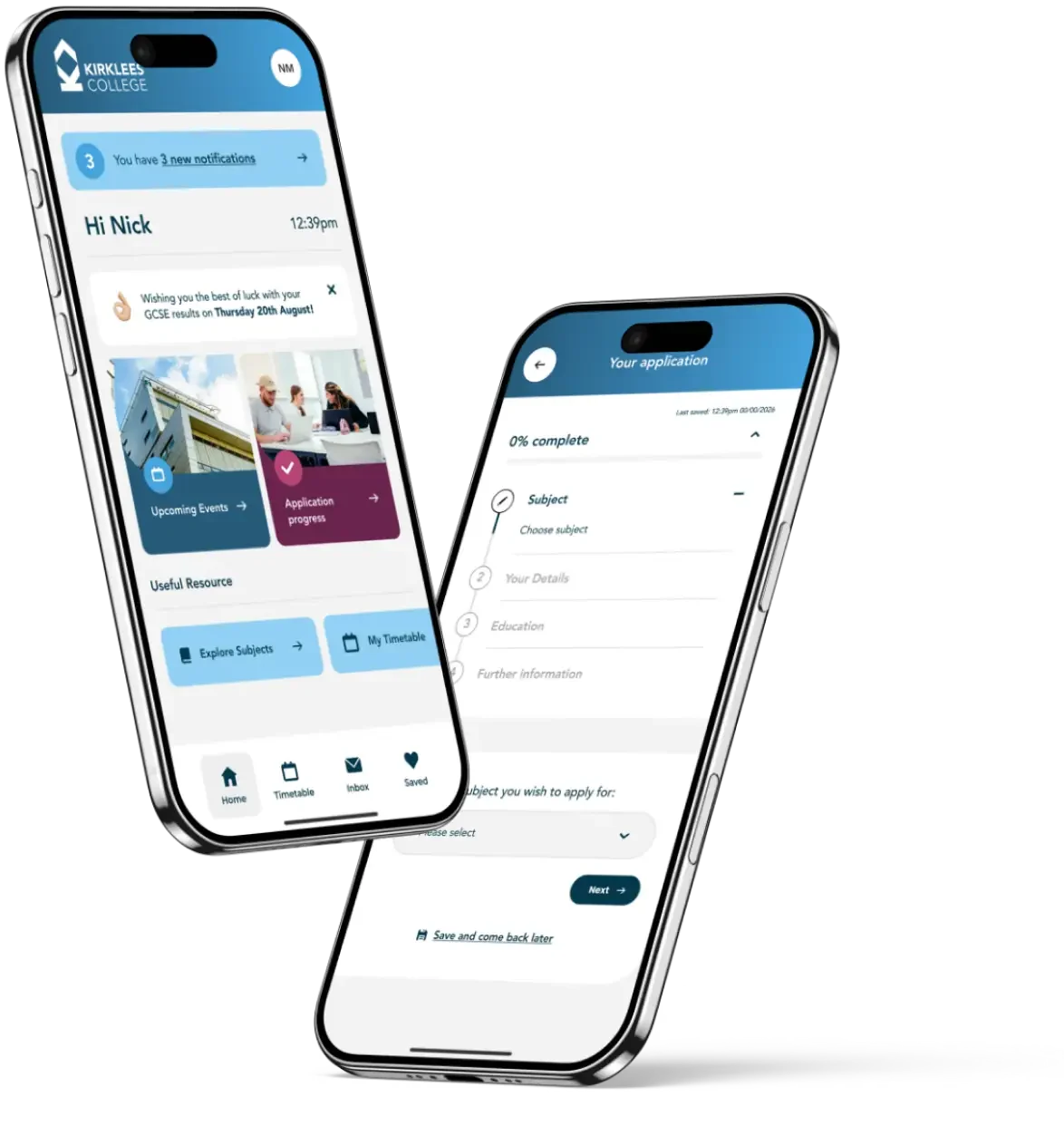

It’s so quick and easy, simply choose your course and then press Apply Now.
You will be asked create an account and then you can start your application.
To get the best experience, we recommend you download the Kirklees College, Smarta App from your smart phone when you create your account.
Applying is just the beginning, as you get ready to join Kirklees College, Smarta will keep you connected with useful information, college updates, support, student discounts and so much more.
We don’t want your application to be delayed, so please make sure you complete all the information requested. Once you have completed the form and pressed apply, we will let you know your application is safely with us and what to expect next.
Some part-time courses require you to apply online – you can do this by clicking the ‘Apply’ button. The ‘Apply’ button is located below the course overview on the relevant course page.
This will open up the online application form, where you will be able to follow the on-screen instructions to complete and submit your application.
Please ensure you complete all sections of the application form. If information is missing or incomplete it may delay your application.
If there is no ‘Apply’ button present, then please contact our information team regarding how to apply for the course.
Loading your favourites...